Markdown is a text to HTML conversion tool. It provides you a way to write
text in an easily readable and structured format using it’s non-alphabetic characters like # or *. Markdown is written in Perl.
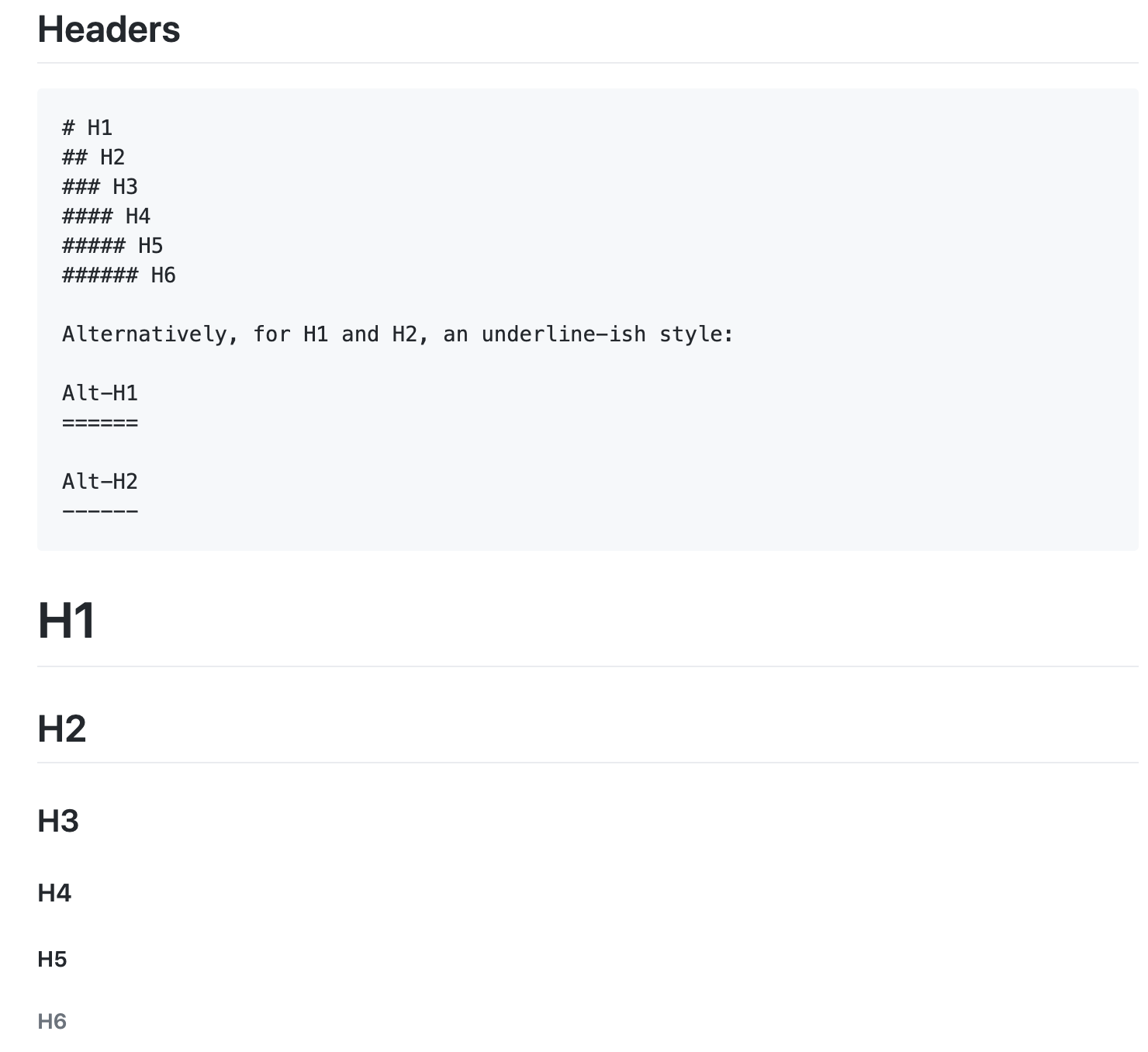
The main goal of Markdown is to make text as much readable as possible. An HTML page with lots of tags is very difficult to read. Markdown internally converts the web page into XHTML or HTML. Thus makes the life of developer easy.
The following content is based on my knowledge extracted from the github article
Emphasis
Text can be italicized using *asterisk* or _underscore_. Italicized
Bold text with **asterisk** or __underscore. Strong emphasis
Strikethrough done using two tildes. Striked
Lists
Ordered Lists
1. MI
2. CSK
Unordered Lists
* Rohit Sharma.
* Mahendra Singh Dhoni.
- MI
- CSK
- Rohit Sharma
- Mahendra Singh Dhoni
This line is also a separate paragraph, but… This line is only separated by a single newline, so it’s a separate line in the same paragraph.
Links
[example.com website built by Internet Assigned Numbers Authority](http://example.com){:target="_blank"}
example.com website built by Internet Assigned Numbers Authority
For links within a page do like following
[Code and Syntax Highlighting](#code-and-syntax-highlighting)
Images
Jekyll-logo:  Hover over the image to display title text
Jekyll-logo:

Code and Syntax Highlighting
Inline `code` done using back-ticks around text to mark as code
Inline code is done using back-ticks around text to mark as code
Adding property to javascript object only if the property is defined is done as follows
const a = {
...(someCondition && {b: 20})
}
You can see below how keywords and variables are highlighted
var a = {
...(someCondition && {b: 20});
};
Blockquotes
> These are very helpful to emulate reply text in email
These are very helpful to emulate reply text in email
Inline HTML
We can use HTML tags within markdown page.
<svg width="100" height="100">
  <circle cx="50" cy="50" r="40" stroke="green" stroke-width="4" fill="yellow" />
  Sorry, your browser does not support inline SVG.
  <ellipse cx="35" cy="40" rx="6" ry="6" stroke="green" stroke-width="3" fill="yellow"/>
  <ellipse cx="65" cy="40" rx="6" ry="6" stroke="green" stroke-width="3" fill="yellow"/>
  <path d="M35 60 C 35 60, 50 75, 65 60" stroke="green" stroke-width="3" fill="transparent"/>
</svg>
The above code will generate below graphic
Horizontal Rule
Three or more - or * or _
---

Hyphens

***

Asterisks

___

Underscores
Hyphens
Asterisks
Underscores